
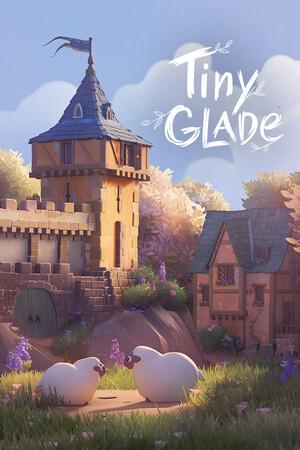
What Tiny Glade Is (and Isn't)
Tiny Glade is a cozy diorama builder. That means you create a small, self-contained scene instead of managing resources or fighting through combat systems. You sketch buildings and paths, and the game's smart tools automatically refine shapes and details as pieces interact. The core loop is visual mood and composition, not min-maxing (squeezing out tiny numeric advantages).
If you're new, start with one focal structure and build outward in layers. Place a main building, add a path that leads to it, then shape nearby land so the route reads clearly at a glance. Simple layouts usually look better faster than crowded ones, and you can always add detail later.
Quick Practical Tips Before You Build Big
Use a repeatable loop each session: block out big forms, check silhouette (the overall shape from a distance), then decorate last. Block out means placing large shapes first (terrain masses, walls, roofs) before small props, so you do not waste time detailing areas you might move.
- Choose one theme first (for example: village corner, ruined keep, or hilltop cottage) and keep new pieces consistent with it.
- Build large to small: terrain and structures first, paths second, foliage and props last.
- Zoom out often; if the scene feels noisy, remove a few objects before adding more.
- Use paths, walls, or elevation changes to separate zones and make the diorama easier to read.
- When stuck, repeat a shape you already like and vary height or curve instead of inventing a brand-new form.
Treat Tiny Glade like sketching: iterate in short passes, keep what improves the scene, and delete anything that does not.