
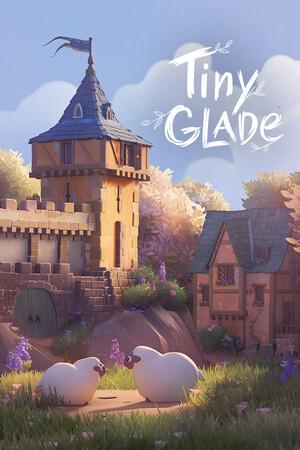
Start with a tiny story, not a giant plan
In Tiny Glade, treat your first build like a diorama: a small, self-contained scene. Before you place anything, write one sentence, like 'a hilltop chapel with a pond path.' That quick idea keeps you focused and helps you stop restarting every few minutes.
Then do a blockout pass (a rough first layout made with simple shapes). Keep it to three pieces: one main structure, one route, and one focal detail. Place the main building first, sketch the route leading to it, then add one anchor detail. If the scene reads clearly at this stage, you're on solid ground.
A beginner workflow that stays manageable
Go from big shapes to small tweaks. Block in the main forms first, then refine. Let Tiny Glade's procedural detailing (automatic small details that adapt as you build) settle in while you adjust shapes, then refine routes so movement lines feel intentional. Check the scene from multiple angles before you add extra decoration.
End with a short polish pass: add a few small details, add one subtle contrast point, and keep at least one open area so details do not blur together. If something feels off, make one targeted change instead of rebuilding everything. For your first Tiny Glade build, aim for clear composition and mood, not perfection.