
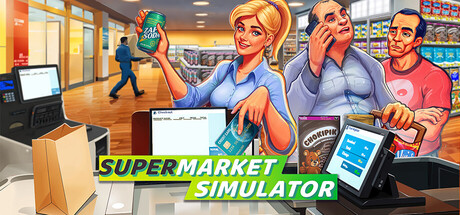
Set Up for Short Customer Paths
Early on in Supermarket Simulator, build for walking time, not just looks. Focus on customer flow (the route shoppers take from the entrance, to shelves, to checkout, where payment happens). A clear main path with uncluttered side rows usually keeps traffic smoother for customers and staff.
Put your first checkout near the front and leave open floor space for the line. Keep a separate walking lane beside the queue so you can still move products and restock during busy periods. If the customer line and your restock route overlap too much, checkout feels slower and the floor gets harder to manage.
Shelf and Storage Placement That Works Day One
Group products by how often they sell. Place faster-moving essentials on easy-to-reach shelves, and move slower sellers deeper into the store. Keep back stock (extra inventory stored off the sales floor) close to your stockroom access point so every restock run is shorter and less stressful.
Simple starting blueprint: one front checkout with dedicated queue space, 2 to 3 short shelf rows in the center with clear gaps, and perimeter shelving for overflow. At the end of each in-game day, check where customers bunch up and move one fixture at a time. Small, targeted tweaks are easier to test and usually more reliable than full-store reshuffles.