
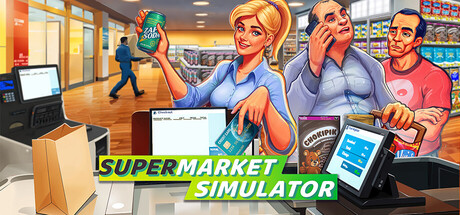
What Upgrades Should You Buy First?
In Supermarket Simulator, focus on throughput first. Throughput means how fast you can stock shelves, scan items, and serve customers. If your first few days feel chaotic, that is completely normal. Clean up checkout speed and backroom flow before chasing more product variety.
A product license unlocks additional products, but it works best when you already have the space and cash to stock those new items immediately.
A beginner-friendly order is usually: 1) improve checkout capacity (for example, hiring a cashier), 2) improve backroom storage flow, 3) buy one product license, then 4) buy floor-space growth. A store expansion increases your store’s physical size, and it is strongest after your current layout is truly crowded.
Quick decision rule before each upgrade
Only buy an upgrade if it solves today’s bottleneck (the thing currently slowing your store down) and still leaves enough cash for your next restock. In plain terms: protect inventory money first, then spend the surplus.
For most new players, one license at a time is the safest pace. Add a license, learn its demand, stabilize replenishment, then take the next one. That keeps your store profitable and helps you avoid the empty-shelf spiral.