
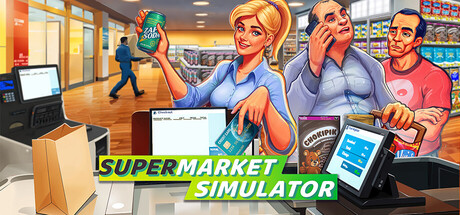
How the Core Loop Works
In Supermarket Simulator, your day-to-day loop is simple: order inventory, place products on shelves, process customers at checkout, then reinvest profit to improve capacity. Inventory is everything you plan to sell, whether it is still boxed in storage or already on display. A stockout is when a shelf is empty while customers still want that item, so preventing stockouts is one of your most important jobs.
For a strong start, aim for stability before size. Keep your product lineup focused, restock before busy periods, and protect checkout flow so shoppers are not left waiting. Review each day in order: spot where sales were lost (empty shelves, long lines, poor placement), fix that first, then spend on expansion.
Early Priorities and Mistakes to Avoid
Use this order early on: keep core shelves full, keep checkout moving, then expand. Empty shelves can hurt sales immediately, and checkout bottlenecks cut the number of shoppers you can serve in a day. Put fast-selling products along easy paths, keep backup boxes organized in storage, and do quick top-ups before lines build.
A common early mistake is adding too many new items too soon. More variety increases restock workload and ties up cash in slow movers. In Supermarket Simulator, product licenses unlock additional products, so it is usually safer to buy the next license after your current shelves stay consistently stocked and your end-of-day cash buffer still feels healthy.