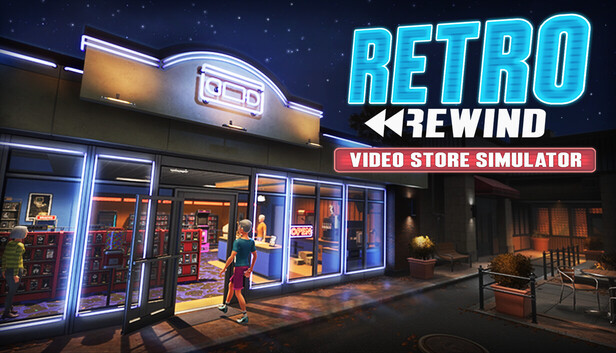
Use this Retro Rewind - Video Store Simulator walkthrough and guide for store layout, best employees and scheduling, cashflow and returns, SKU codes and Black Market orders, decorations, and store expansion tips.
Expanding the store in Retro Rewind - Video Store Simulator feels like obvious progress, but bigger is not automatically better. A larger shop gives you room for more shelves, featured displays, decorations, snack stations, and future systems, but it also makes every checkout run, return trip, and restock route longer. The best time to expand is when your current floor is clearly blocking the way the game wants you to run the store, not just when the upgrade becomes available.
The packaged text helps here. The tutorial explicitly says that as your business grows you will unlock decorations, snack displays, arcade machines, new movie genres, staff, and the ability to expand your store's footprint. The UI also confirms a dedicated Store Expansion Board. So expansion is definitely a real progression system. The trick is using it when it improves your workflow instead of simply making your route bigger.
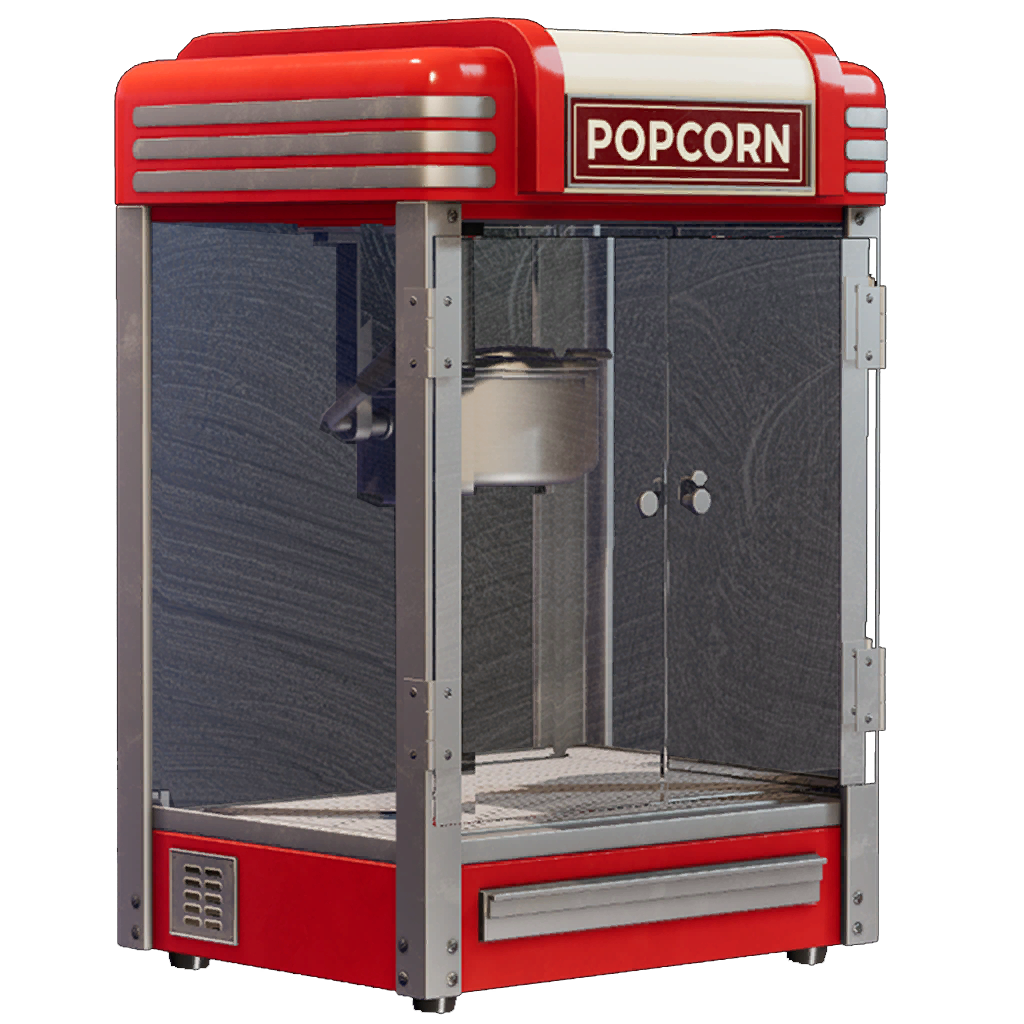
A Popcorn Machine is the kind of side attraction that starts to make expansion feel worthwhile once your main floor already runs clean.
What is confirmed
Store expansion is a formal system, not just a visual upgrade. The game has a Store Expansion Board and packaged assets for store-expansion sectors and rooms.
Later progression adds more floor demands. The tutorial text directly ties growth to decorations, snack displays, arcade machines, more genres, staff, and bigger store footprint.
Featured-store systems need real space. The packaged UI confirms new-release shelves, movie displays, Staff Picks, standees, and the later Clearance Bin, which means expansion eventually supports more than raw tape capacity.
Expand when these problems keep repeating
Your main loop is genuinely cramped. If checkout, returns, reserved movies, and your hottest shelves keep colliding in one tiny lane, more room can help.
You already know what the new space is for. A good expansion has a job: more shelving, a cleaner feature wall, a better checkout approach, or room for unlocked systems that currently have nowhere sensible to go.
Your featured items are competing with your work route. If standees, displays, or decor only fit by blocking the path you actually run, the shop may be ready for more footprint.
You are expanding a system that already works. If the current store is clean and readable, extra space can scale that success. If the current store is messy, more square footage usually just stretches the mess out.
Wait before expanding if these are still the real issue
Checkout is still collapsing first. A larger store does not fix a weak counter loop.
Returns are still disorganized. More shelves do not help if returned tapes already get lost in your current footprint.
You are still learning what your hot categories are. Expansion is stronger once you know which shelves deserve prime space.
You cannot describe the next layout yet. If the only reason to expand is "more room sounds nice," keep optimizing the smaller store first.
Best practical uses for expansion
Create a cleaner front loop. More room is most valuable when it gives checkout, returns, and customer flow more breathing room.
Separate feature space from utility space. Expansion is a good time to stop forcing standees, displays, and themed presentation into the same lane as your work route.
Make room for progression systems before they become awkward. Snack displays, Staff Picks, Clearance Bin, event-facing displays, and later decor all work better when they have a purpose-built area.
Shorten decision-making, not just add walls. A bigger store only helps if the new layout remains readable.
Code Analysis Hints and informed advice
Expansion seems designed around more than storage. The files show dedicated systems for Store Expansion, displays, standees, decorations, genre unlocks, and multiple store-layout ideas on the roadmap. That strongly suggests expansion is meant to support presentation and specialization, not only shelf count.
Pathing costs probably rise faster than players expect. This is not a confirmed hidden stat, but it is the cleanest practical reading of the game's layout systems: once the store grows, walking distance and work-zone separation matter more.
Runner-style staff traits likely gain value in larger stores. That is an inference from the confirmed faster-walk trait plus bigger routes, not a proven multiplier.
Transparent take: when I would actually buy more space
Buy expansion with confidence when your current floor has no clean place for new-release shelves, displays, standees, or other unlocked systems without wrecking your main loop.
Wait and optimize first if your real problem is still checkout delays, return chaos, or weak organization.
Treat expansion like a layout tool, not a trophy. The best new room is the one you can describe before you buy it.
Quick Win: Before you expand, name the next three things the new space will do. If you cannot say "this becomes my feature wall," "this fixes the checkout approach," or "this gives the Clearance Bin and displays a proper zone," keep refining the smaller shop.
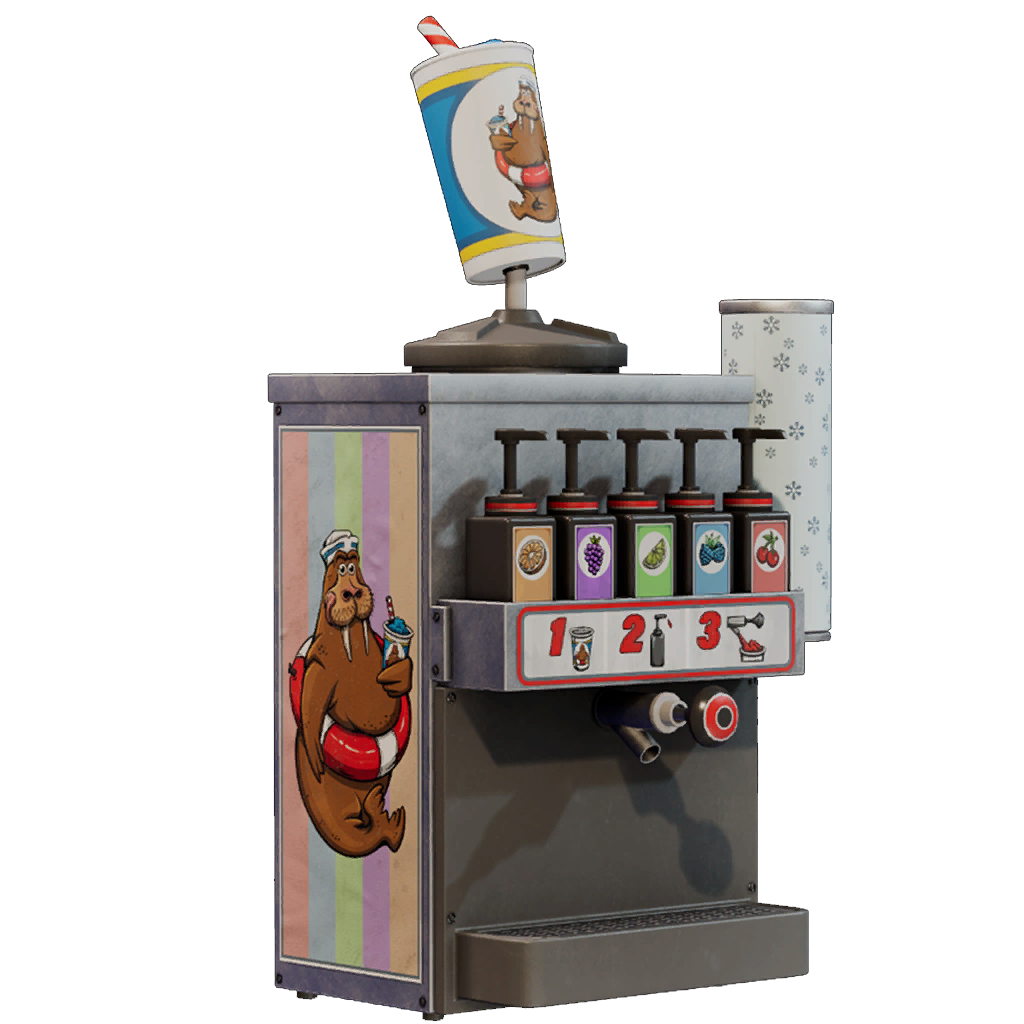
A Slush Machine is another good example of the extra snack-station space that only pays off after the core store loop is under control.
The best expansion timing in Retro Rewind - Video Store Simulator comes when extra space solves a specific pathing or presentation problem. Treat store size like a management tool. If the current shop still runs cleanly, squeezing more value out of the floor you already own is usually the better move. If the current shop is starting to choke on systems the game is clearly adding, that is when expansion finally starts paying for itself.